Under Tools → Create tool. Only Inventory no. and Name are required; the next free inventory number is already filled in.
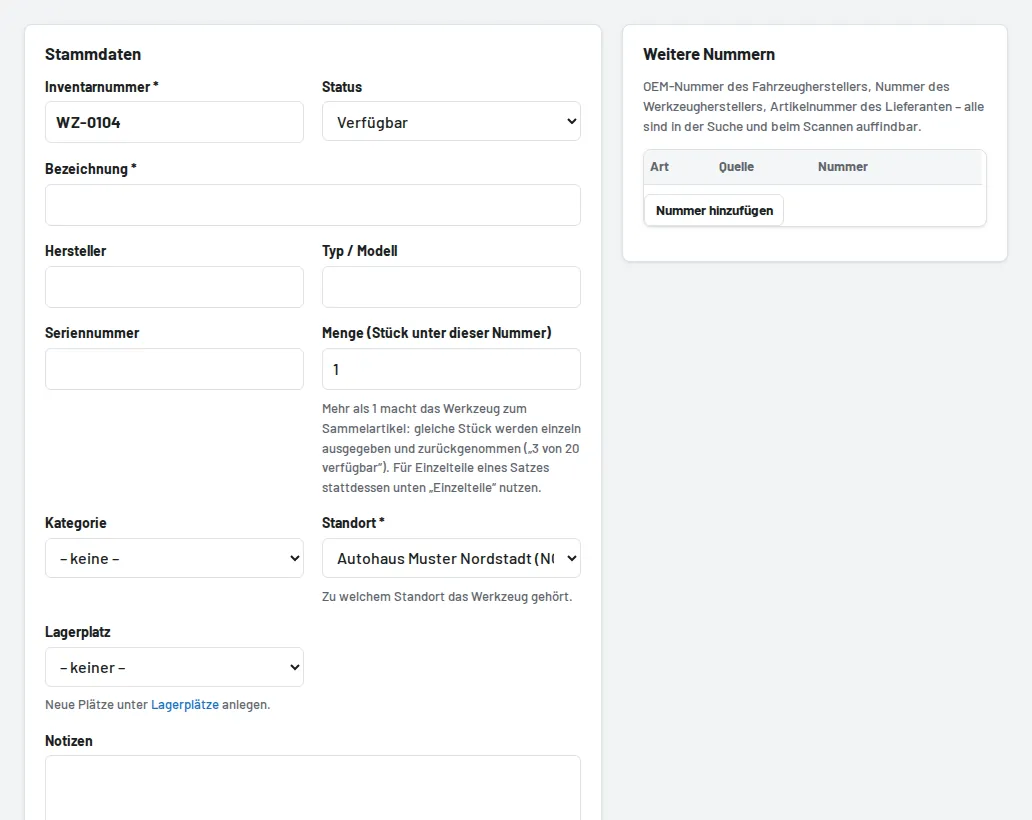
- Master data: name, manufacturer, type/model, serial number, category, storage location. For several pieces under one number, enter the quantity (bulk item).
- Other numbers and Matching vehicles: OEM, manufacturer and supplier numbers as well as make, model and engine code – the search then finds the tool by these too.
- Parts if it is a tool set; documents such as manuals; inspection intervals in months.
- Image: take a photo directly with the phone camera or upload one.
After saving you can print the label straight away. The quickest way to take over many tools at once is the CSV import.