After the first sign-in, the overview shows administrators the First steps card – a checklist of six steps so your business is ready quickly. The card names the next open step; All steps opens the whole list (also under Help & support → First steps).
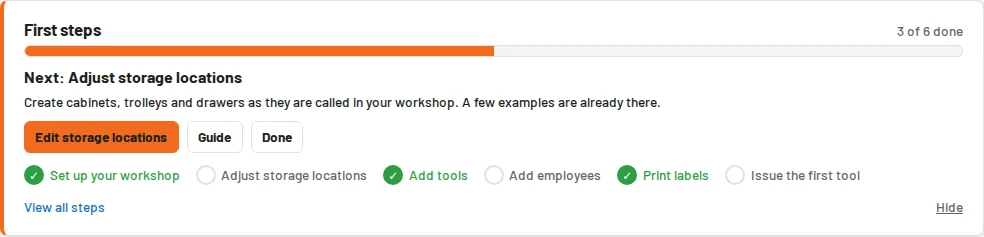
- Set up the business – name, label format, reminders and loan periods under Settings; saving once is enough.
- Adjust storage locations – create cabinets, trolleys and drawers as they are called in your workshop.
- Create tools – individually, as a set from the manufacturer's page (Import tool set) or many at once by CSV import.
- Create employees – everyone gets their own account, many at once by CSV import.
- Print labels – QR labels for tools and storage locations.
- Issue the first tool – under Loans → Issue tool or by scanning.
Whatever can be read from your data – there are tools, further users, a first issue – Tulz ticks off by itself. Business and storage locations are ticked off when you save, labels when you open the print view; you can also tick off any step with Done. If you no longer need the card, hide it with Hide; under First steps you can show it again.