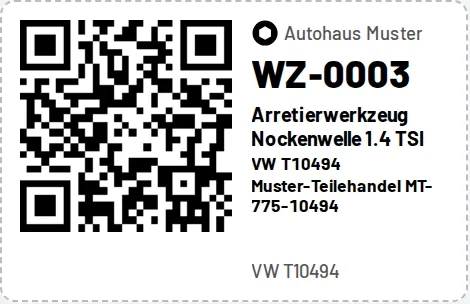
Choose the default format and the code type under Settings; you can switch both in every print view. QR codes contain a link (the phone camera opens the tool page), Code 128 contains only the number (classic handheld scanners type it into an input field). Storage locations have their own labels under Storage locations (…/lp/<id> or LP-<id>), which can be scanned as the destination when moving tools and during stocktaking. Browser print dialog: scale 100 %, margins "None"; for A4 sheets set the page margins to 0.