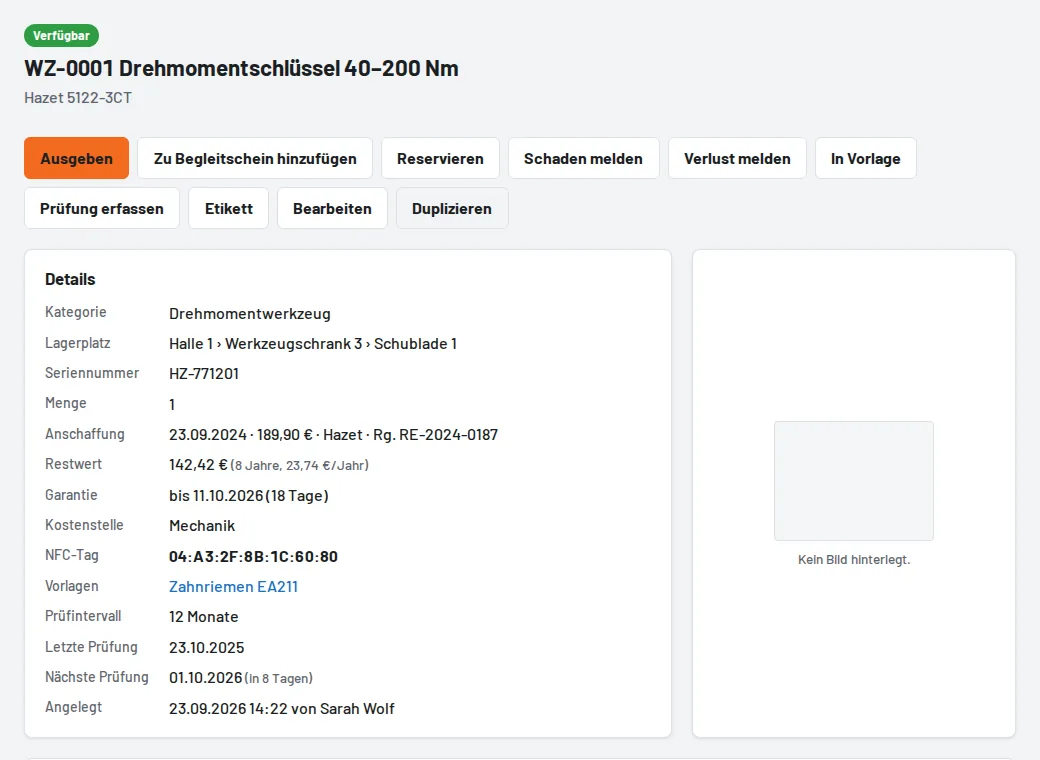
The tool now has supplier, invoice number, Warranty until, Useful life (years) and Cost centre. From purchase price and useful life Tulz calculates the residual value (straight-line) and shows it on the tool page; the asset export (tool list → Assets (Excel)) provides everything for fixed asset accounting. Expiring warranties appear on the overview and in the daily summary. For inspections you enter the inspection costs – from these the reports produce the inspection cost forecast for the next twelve months. The reports also show dead stock (not loaned for 6/12/24 months, with purchase value) and Tool cost per job order (loan days × purchase price ÷ useful life ÷ 250 working days). Exports are available as CSV or Excel.
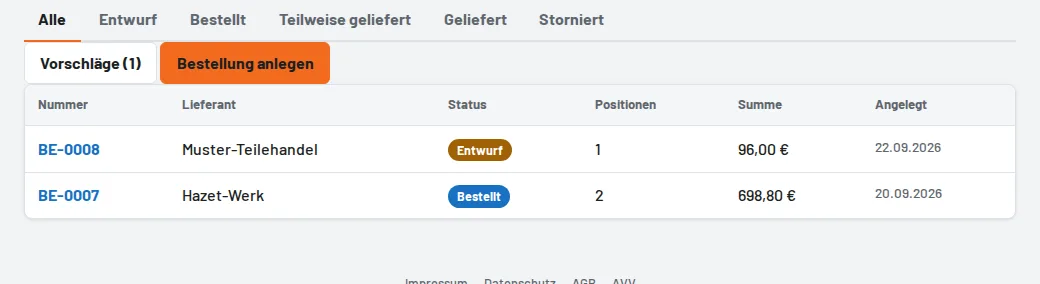
Administration → Suppliers keeps customer number, contact person, email and web shop. Tools → Purchase orders: tick purchase suggestions and take them over, or create a purchase order freely (name, article number, category, quantity, price); Order by email opens the email to the supplier with all items. At goods receipt you enter the delivered pieces – Tulz creates the tools with the next inventory number, category, price, supplier, article number and order number, retires replaced tools, and you print the labels.