A job template groups all the tools needed for a recurring job – for example the locking tool, tensioner adjustment tool, counter-holder and torque wrench for a timing belt change. Instead of looking for each tool separately, you create the pick list with one click.
Create a template
- Tools → Templates → Create template (tool issue, foreman, administrator).
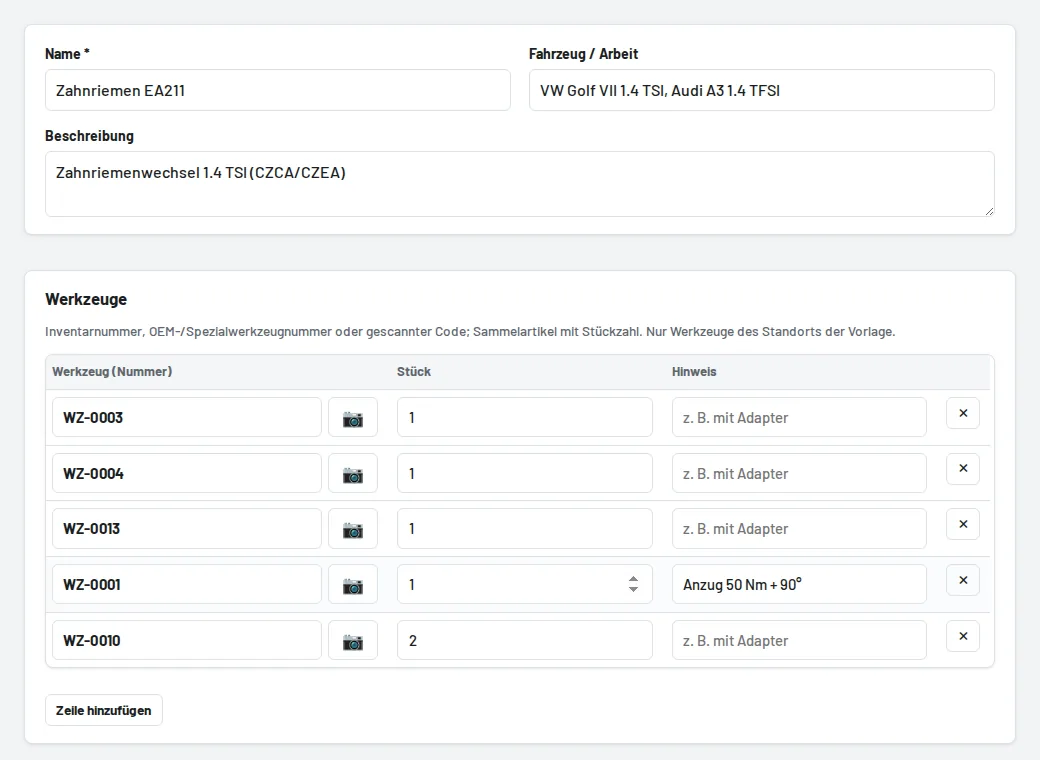
- Name such as "Timing belt EA211", plus Vehicle / job and a short description – the search finds both.
- Tools: enter the inventory number, OEM number or scanned code, and the quantity for bulk items. The 📷 button uses the phone camera. You can also use Add to template on any tool page.
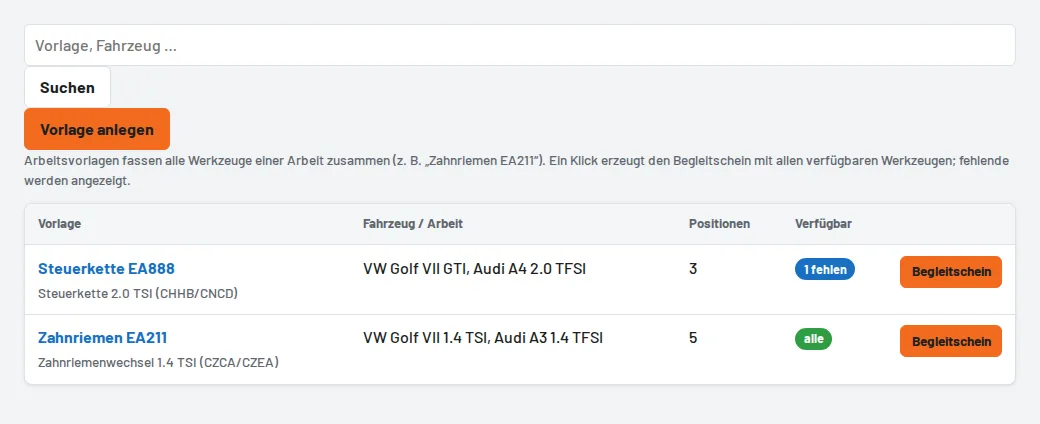
The list shows for each template whether all its tools are currently available. A template only contains tools from its own site.
Pick list from the template
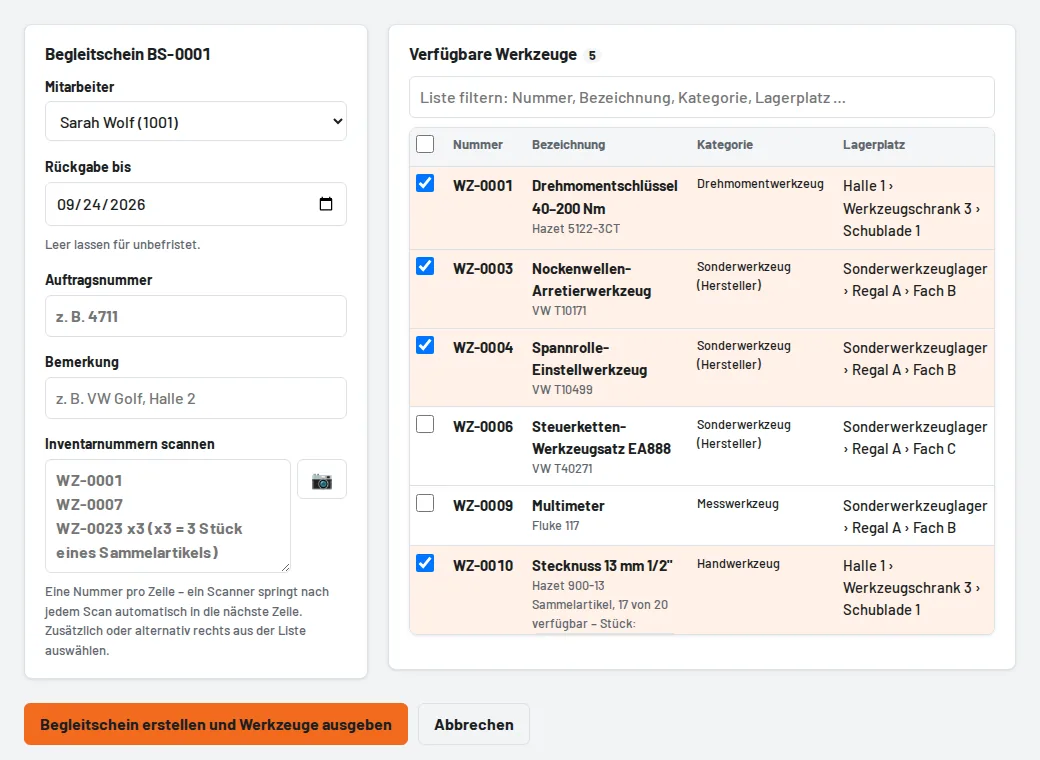
Pick list from template opens the pick list with all available tools of the template – already ticked. Tools that are on loan or blocked are listed at the top as a note, so you can fetch them from a colleague or replace them. Choose the employee, enter the return date and job number, then Create pick list and issue tools.