Under Tools → CSV import you take over many tools at once, e.g. from Excel or a manufacturer's list.
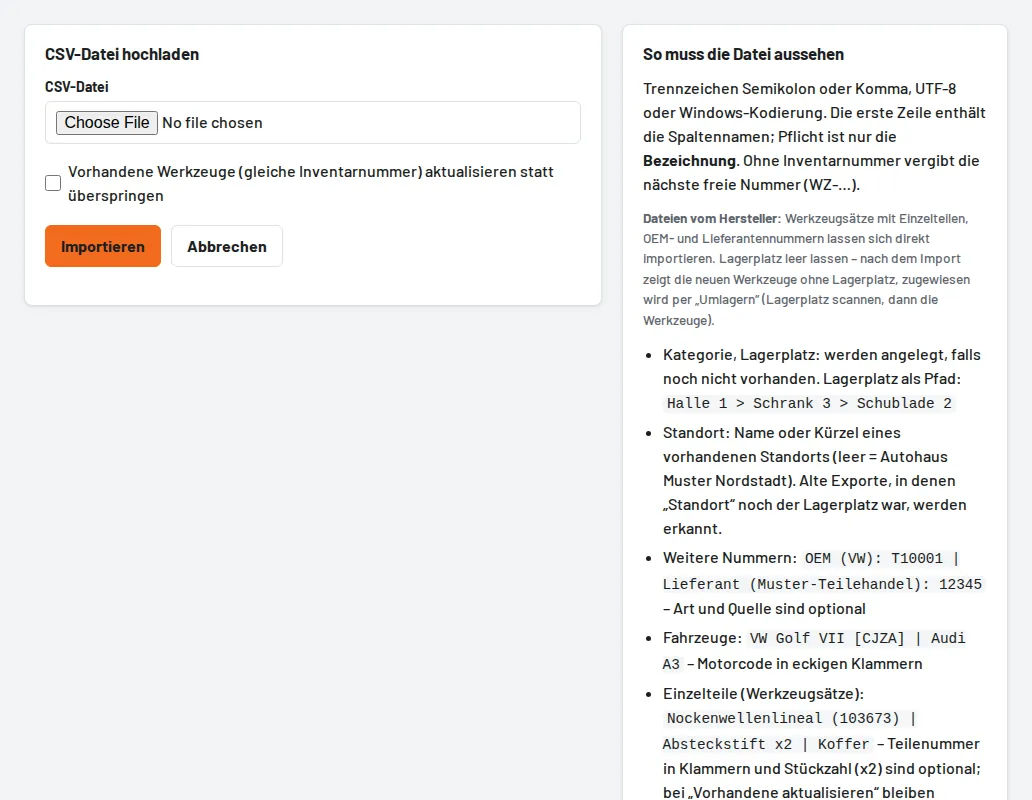
- Download the template and fill it in – only the name is required; without an inventory number Tulz assigns the next free one.
- Separator semicolon or comma, UTF-8 or Windows encoding.
- Categories and storage locations are created if they don't exist yet.
- With "Update existing tools", identical inventory numbers are overwritten instead of skipped.
Tip: leave the storage location empty and then scan the tools in with Move.