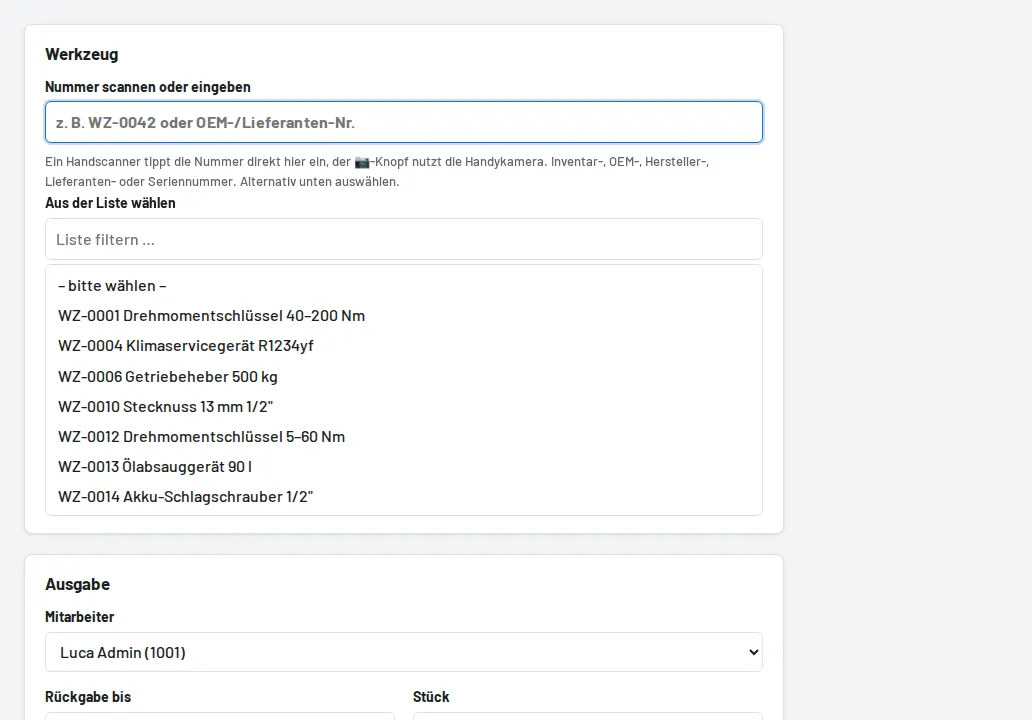
Loans → Issue tool: the cursor is in the inventory number field, the scanner types the number, Enter. With "Book and next" you can issue several tools one after the other. Instead of the inventory number, any number stored on the tool (OEM, manufacturer, supplier, serial number) can be scanned or typed.