A tool can no longer be found or was stolen from the service trolley? Report it – then everyone knows, open loans are closed and the replacement automatically appears in the purchase suggestions.
Report
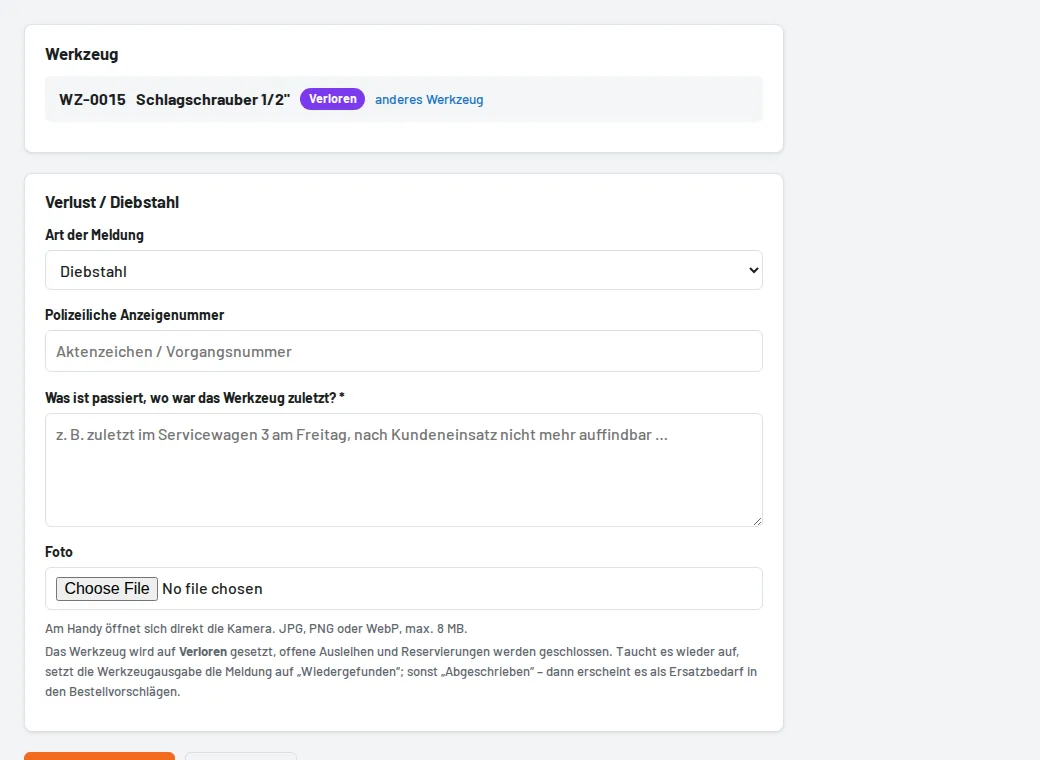
- On the tool page use Report loss, or go to Damage → Report loss/theft (scan or choose the tool there).
- Type: loss or theft. Describe where the tool was last seen; for theft enter the police report number.
- Enter the replacement value – it is booked as a cost when the tool is "Written off".
The tool changes to the status Lost; open loans and reservations are closed. Tool issue and foremen receive a push notification.
Afterwards
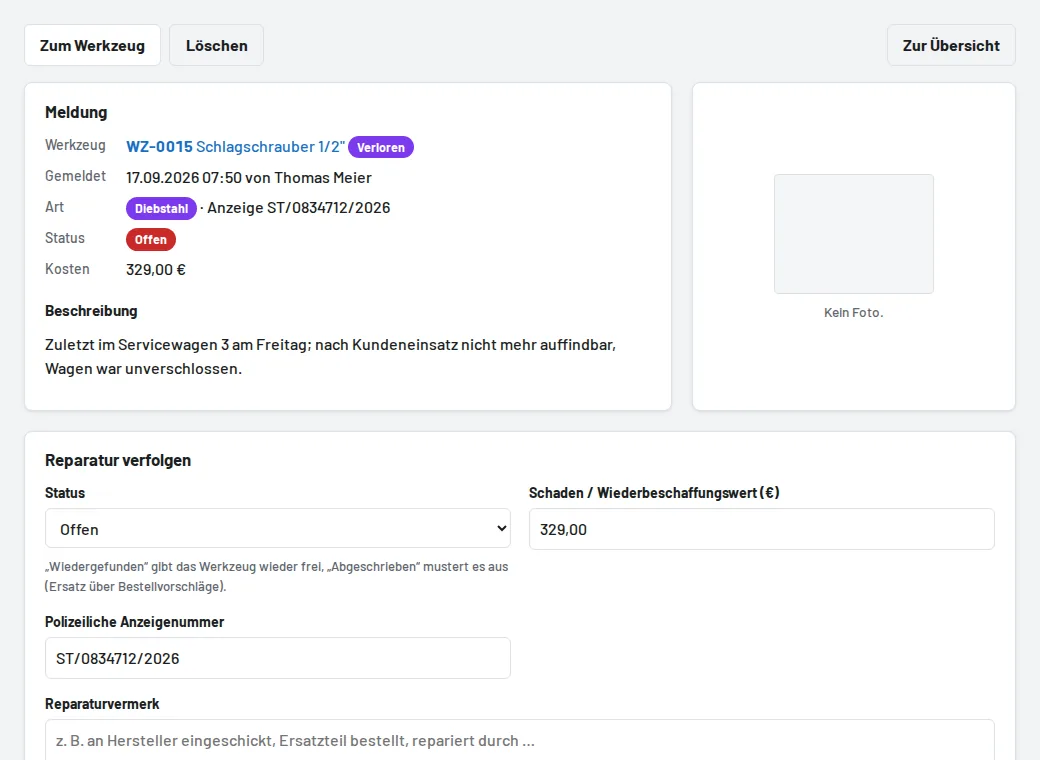
- Found again: the tool is available again and the report is closed.
- Written off: the tool is retired; it appears under Purchase orders → Suggestions as a replacement need (see Create a purchase order and book goods receipt).
You can find all open loss and theft reports under Damage in the Loss tab.