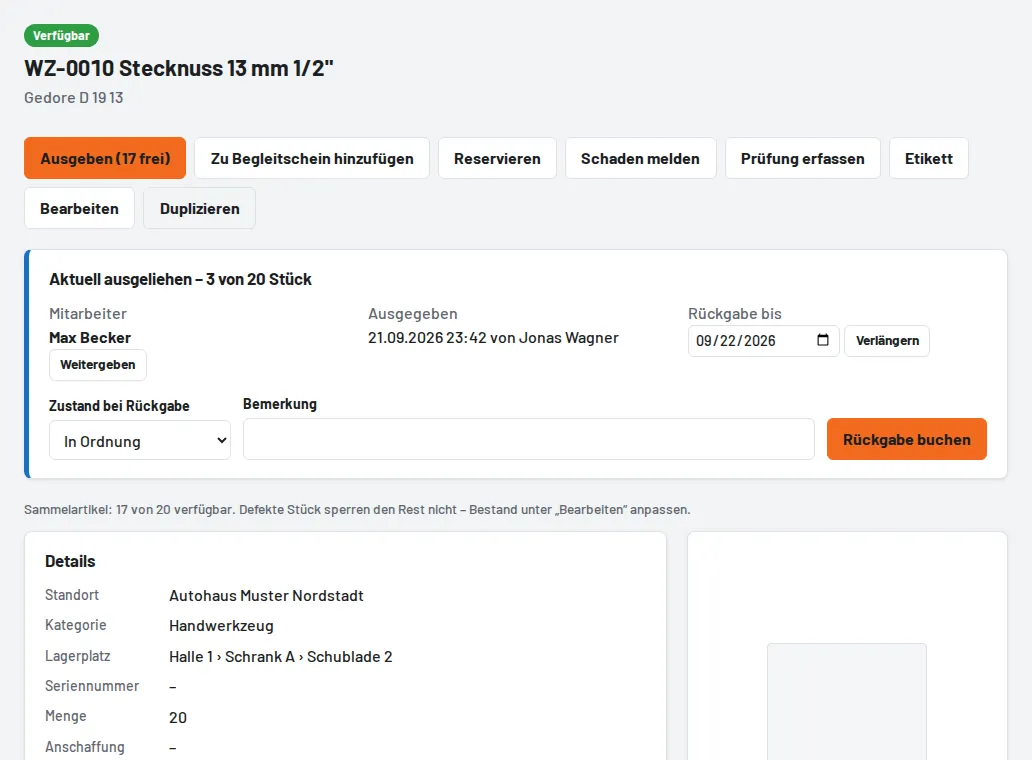
Enter a Quantity > 1 on the tool (e.g. 20 socket wrenches under one number). When issuing, set the pcs field; on the pick list scan WZ-0010 x3 or enter the quantity in the list. Returning by scan takes back your own loan first; the tool page lists all open loans individually. The quantity cannot be reduced below the number of pieces on loan. A damage report or a "defective" return creates the report but does not block the rest – adjust the stock under Edit if needed.