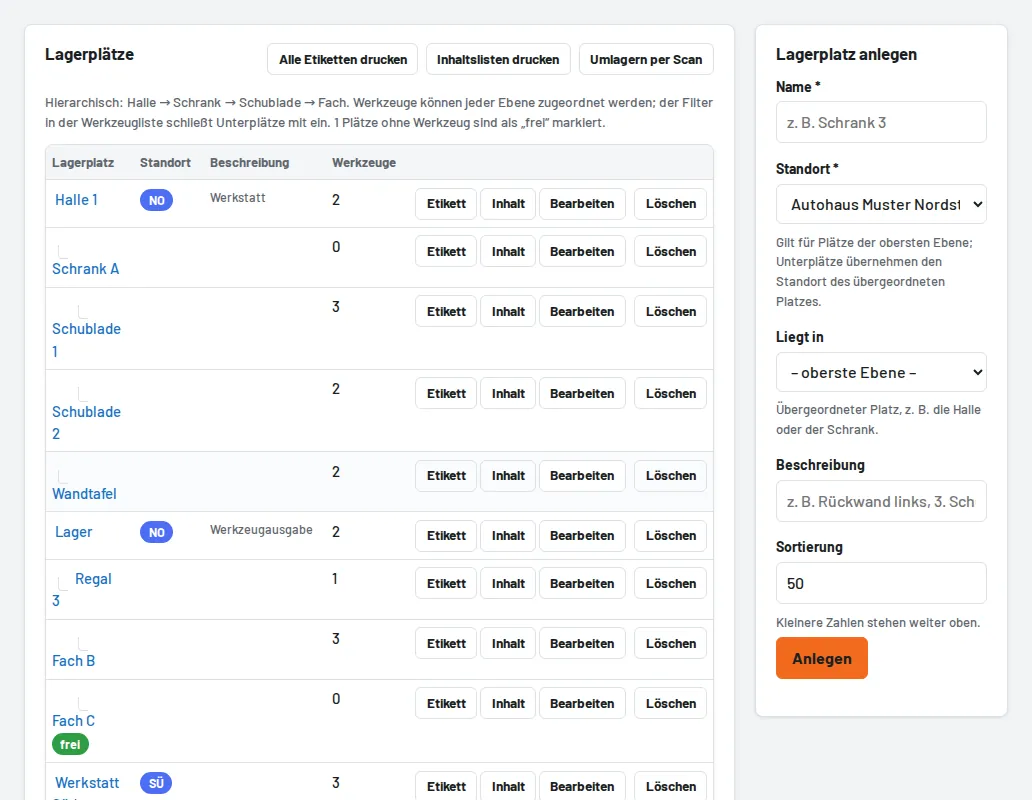
Under Storage locations use "Print content lists" (all top-level locations, one sheet each) or "Content" for a single location. Sub-locations appear as sections, retired tools are left out. Switches "With images" and "Empty locations too"; the date shows when the list was printed, with boxes to tick off while tidying up.