Overdue returns, tools issued or handed over to you and (for tool issue and foremen) new damage and loss reports arrive as push notifications on your phone – without email and without a third-party service.
How it works
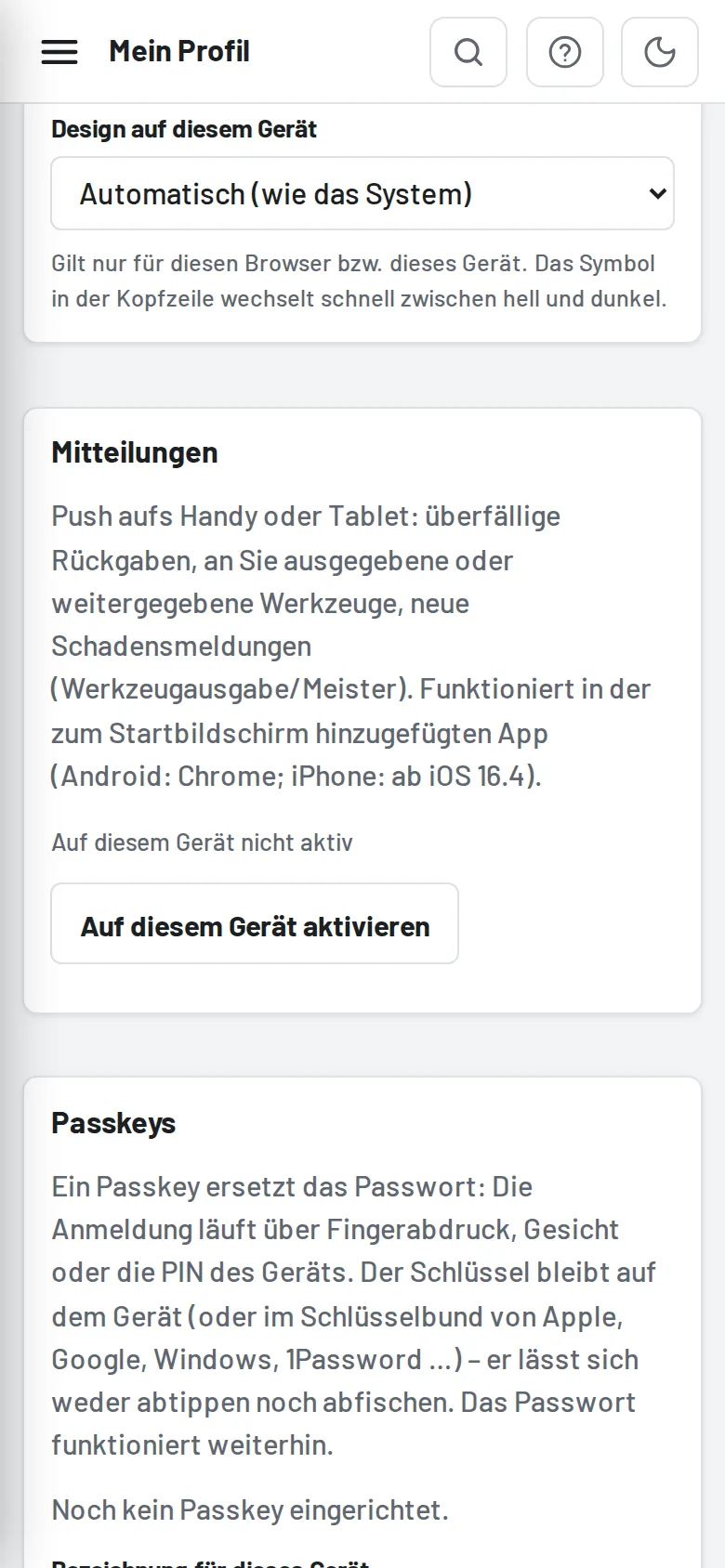
- Install Tulz as a home screen app (see Home screen app (PWA)). Android with Chrome and iPhone from iOS 16.4 only support push in the installed app.
- In the app go to My profile → Notifications → Enable on this device and answer the system prompt with "Allow".
- Test notification sends a test right away.
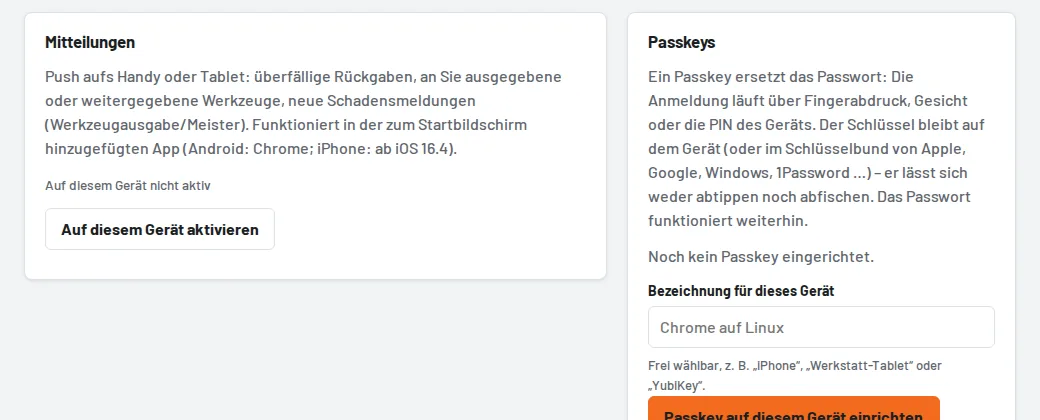
Each device is registered separately; Disable on this device ends the notifications. If notifications are blocked in the browser, allow them in the phone's website settings. Administrators switch off push for the whole business under Settings → Reminders.