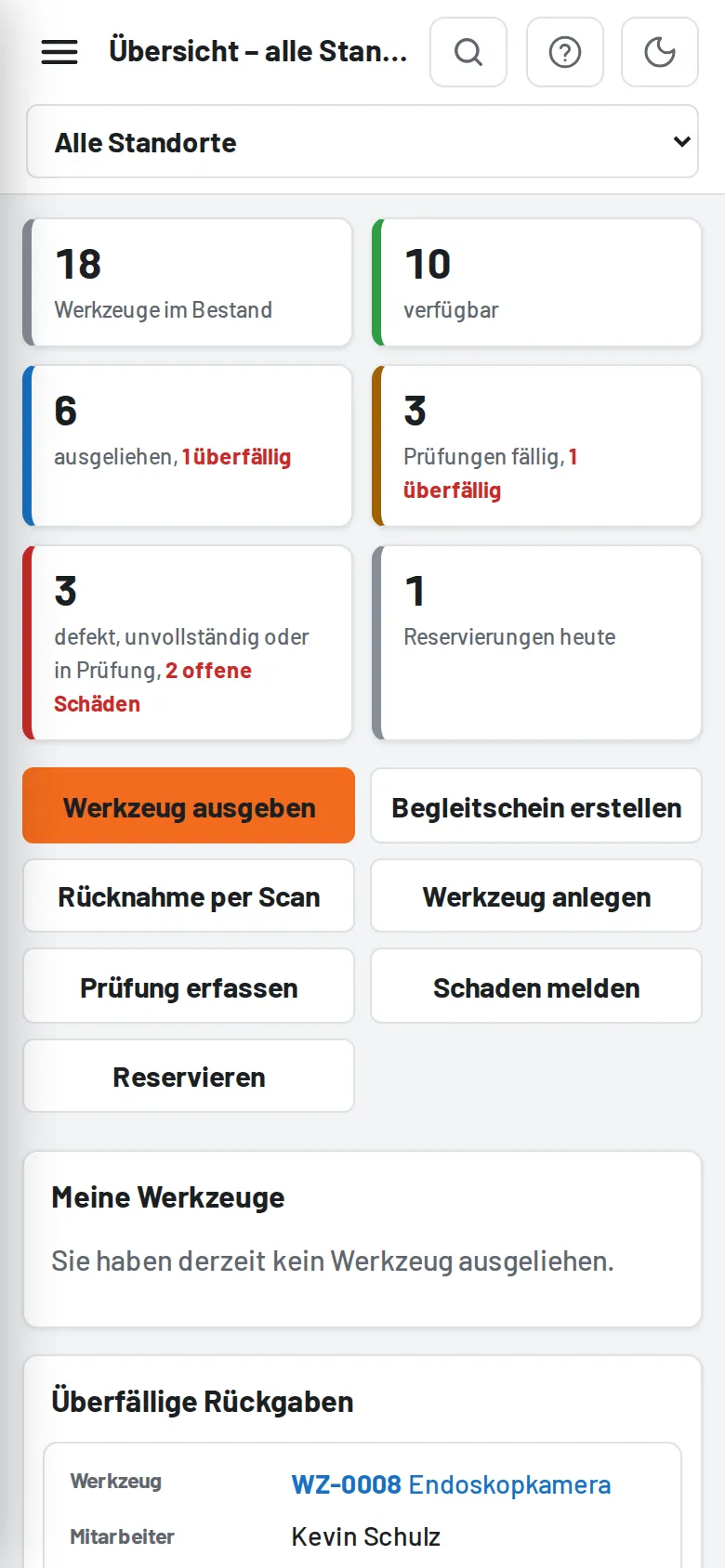
The site is a Progressive Web App: on a phone/tablet use Add to Home screen in the browser (Android/Chrome: menu → "Install app"; iPhone/Safari: Share → "Add to Home Screen"). It then starts in full screen with its own icon and offers shortcuts (issue, search, report damage). HTTPS is required. CSS/JS/icons and the most recently displayed image previews (up to 300) stay on the device; data always comes live from the server, and without a connection an offline message appears (for scan pages see Offline in the workshop). After an update the app automatically fetches the new version the next time it starts.