Under My profile (your name at the bottom of the sidebar) you change your email address and password, set the appearance and set up passkeys.
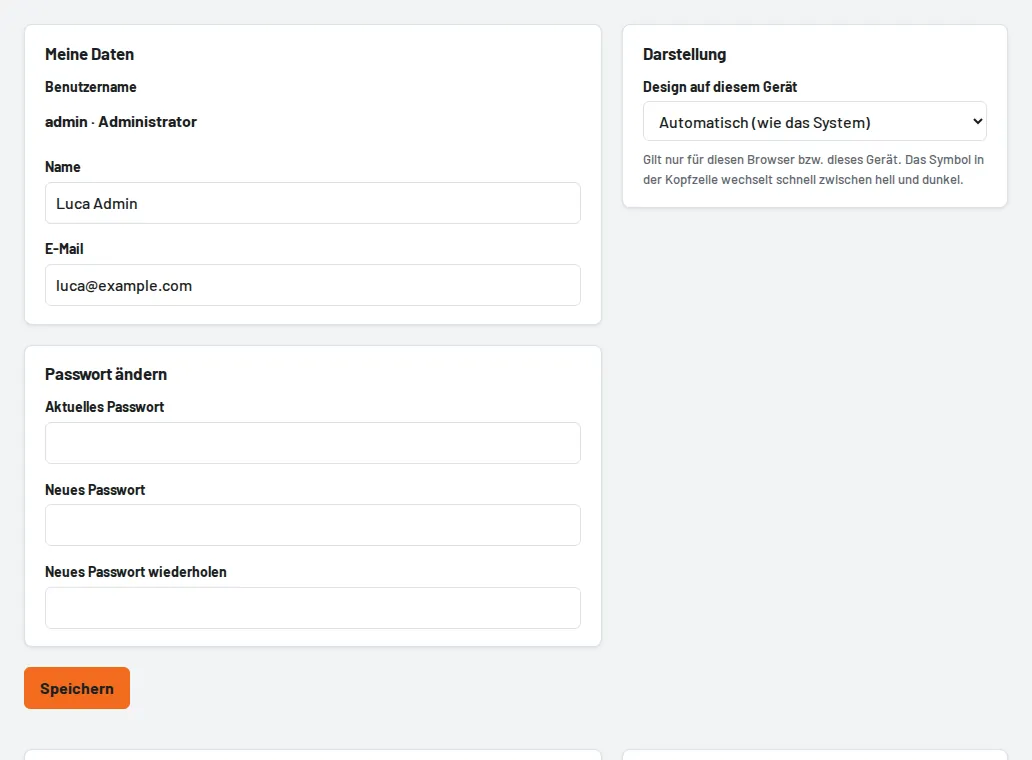
- Change password: current password, then the new one twice.
- Appearance: automatic (like the system), light or dark – applies to this device only. The sun/moon button at the top right switches quickly.
- Passkeys: sign in with fingerprint, face or device PIN instead of a password.