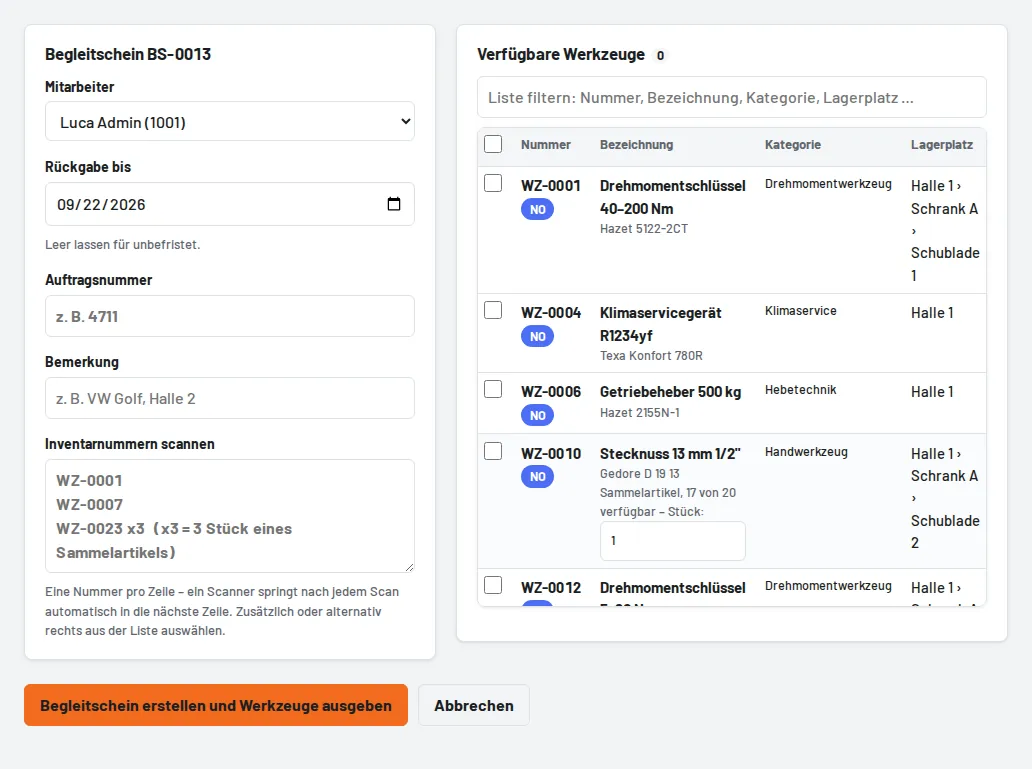
Pick lists → Create pick list, tick tools in the list or scan numbers into the scan field – one number per line. When you save, all tools are issued in one step. The pick list shows each item with its storage location and can be printed as an A4 list. Items can be returned one by one or with "Return all". "Delete" cancels items that are still open; items already returned remain in the history.