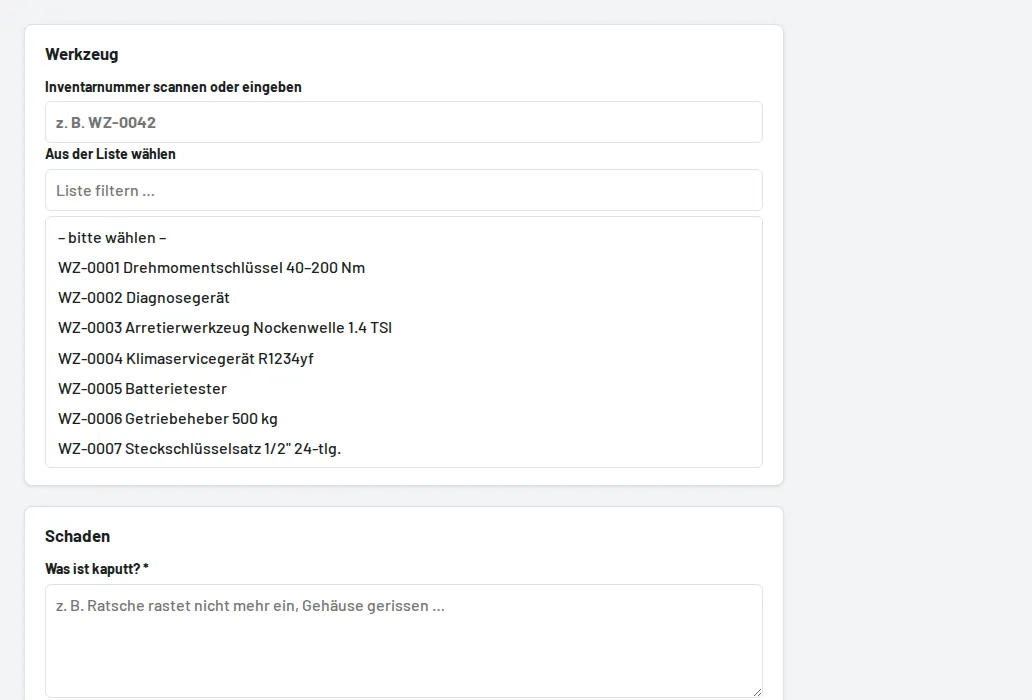
Via Damage → Report damage or the button on the tool page, with a photo taken directly with the phone camera. From then on the tool is "Defective" (if on loan, from its return). Foremen/stores set the status to "In repair" and finally "Repaired" (tool available again) or "Retired", with a note and costs. A return with the condition "Defective" creates the report automatically.