There are three ways to return a tool:
- In the loan list (Loans) or on the tool page: "Back" or "Return", choose the condition – OK or defective.
- On the overview under My tools.
- By scanning under Return: scan the tools one after the other, each scan is booked immediately.
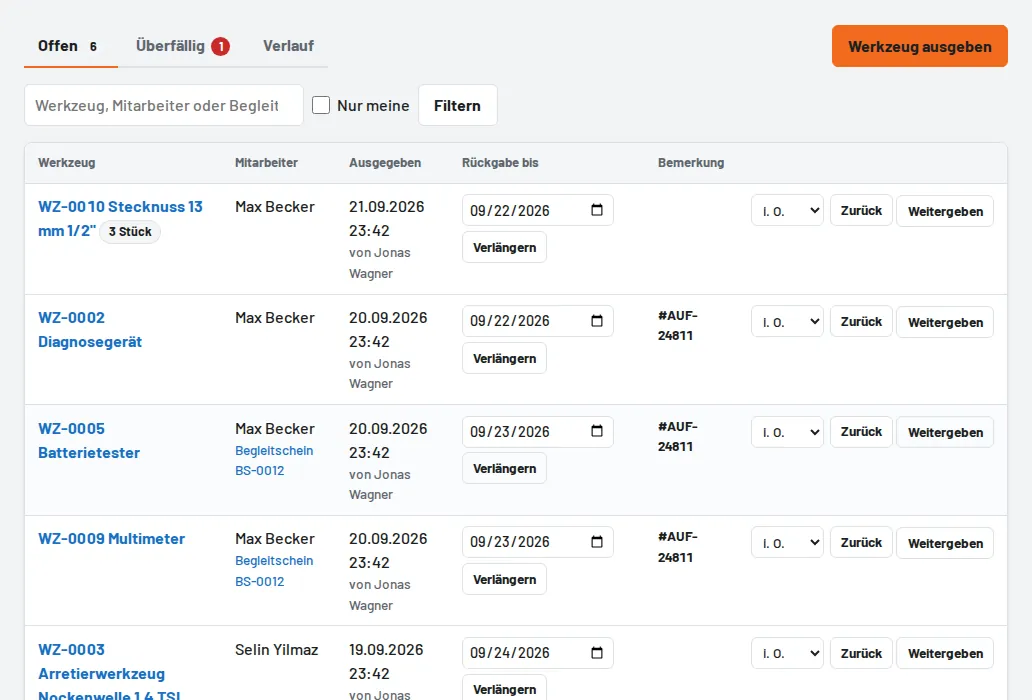
If a tool is defective, choose "Defective" when returning it – the damage report is created automatically. For tool sets the checklist of the individual parts opens.