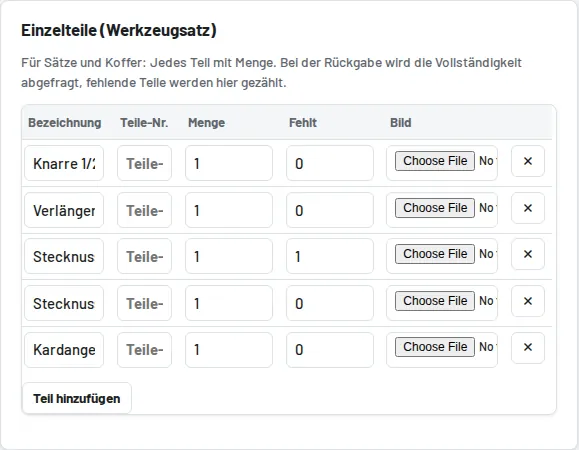
Record the parts under Parts (tool set), each optionally with a photo (helps with the completeness check), a supplier/article number and any number of OEM numbers (separate them with commas, e.g. "T10050, T10340") – all numbers can be found in the search. When returning, the "Back (n parts)" button leads to the checklist; enter the missing pieces. The set becomes "Incomplete" and cannot be lent until it has been completed; to release it, set the "Missing" column to 0 in the tool form and choose the status "Available".