Tulz is available in German, English and Italian. Every employee sets their own language – the menu, all pages, messages, emails, dates and amounts follow it.
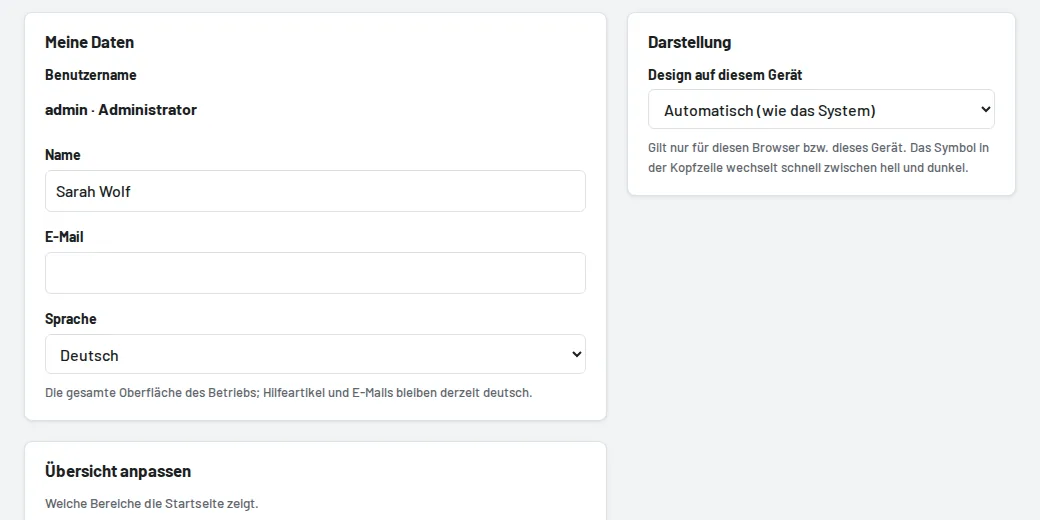
Setting it
- Automatic (default): Tulz follows the language of the browser or phone. An English phone therefore shows Tulz in English on its own – already on the sign-in page.
- Deutsch, English or Italiano under My profile → Language fixes the language, regardless of the device.
- To switch briefly, add
?lang=en,?lang=itor?lang=deto the address – this applies to the current session. - An administrator sets the business's default language for everyone who hasn't chosen their own under Settings.
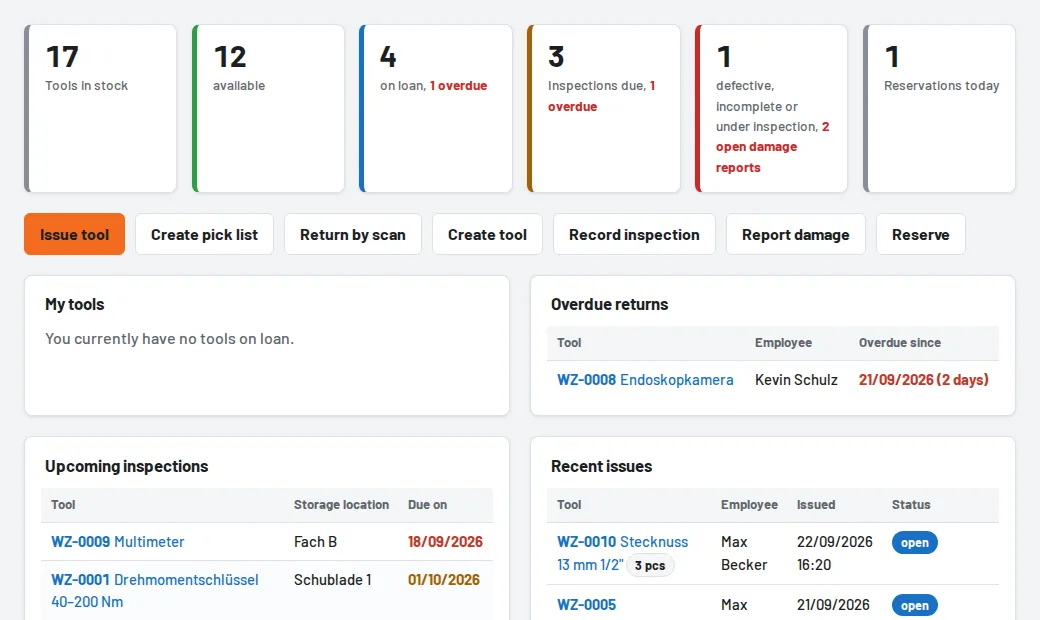
The help centre is also available in English and Italian; articles without a translation appear in German. On the same profile page, under Customise overview, you choose which sections your start page shows – such as Warranty expiring, Certificates expiring or Open purchase orders.