In the Customer area (menu Administration → Customer area, administrators only) you manage your contract with Tulz: plan, term, invoices, billing address and cancellation. It is also available when access is locked – for example to view invoices or settle an open payment.
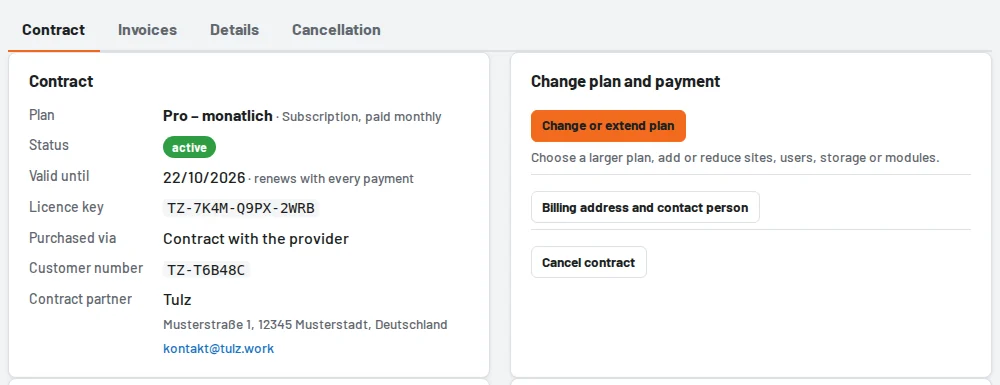
The Contract tab shows plan and payment interval, the status (active, trial until …, cancelled as of …, payment open), the term, the licence key, booked add-ons, your customer number and your contract partner – Tulz itself or the partner through whom you obtain Tulz. Below it you see how many sites, users and tools and how much storage you use.
- Change or extend plan: choose a larger plan or add or reduce sites, users, storage and modules (see Upgrade plan). During the trial the button is called Book a plan.
- Change payment details: you change card or direct debit on the secure page of our payment provider Stripe. If you ordered in a shop, a link leads to your customer account there.
- Request a change: anything you cannot change yourself – such as yearly instead of monthly payment or an offer for several businesses – you send with subject and message. We will get back to you.
- History: cancellations, withdrawals and requests with date and status (in progress or done).
Invoices, billing address and cancellation have their own tabs (see Invoices and billing address and Cancelling the contract or withdrawing the cancellation). If you obtain Tulz through a partner, arrange plan and payment with them; Tulz forwards requests and cancellations to them.