Push: every employee enables push for their device in Profile → Notifications (home screen app, Android with Chrome, iPhone from iOS 16.4). They then receive overdue returns and tools issued or handed over to them; tool issue and foremen also get new damage and loss reports. Switch it off for the whole business under Settings → Reminders. No third-party service is needed – the server sends directly to the browser's push service.
NFC: the ID of an NFC tag can be stored on the tool (Read NFC on an Android phone). When scanning in loans, return, move and stocktaking, it is then enough to hold the tool to the phone. Tags on which you have written the label address …/w/WZ-0001 work too.
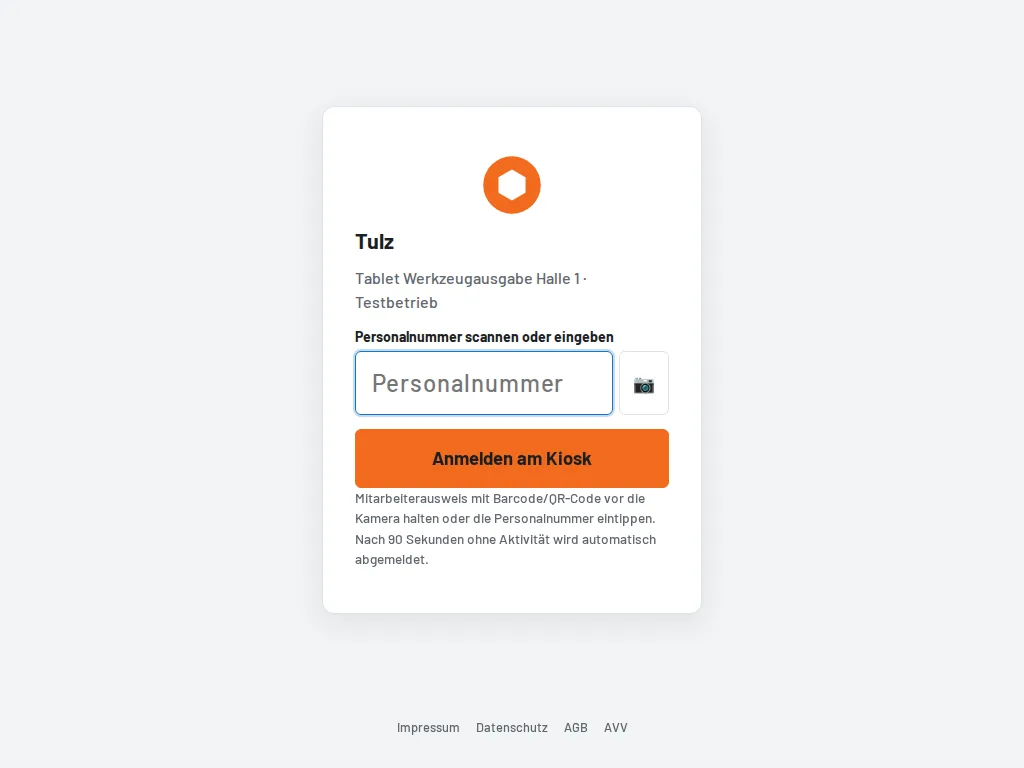
Kiosk: Settings → Kiosk devices sets up a tablet at the tool issue counter: create the device, open the one-time link on the tablet, add the page to the home screen. Employees sign in there by scanning their staff number (employee ID card) or typing it, book with large buttons and are signed out automatically after the configured time without activity. The permissions of their role apply.
Label printers: besides the print view, the tool list offers ZPL – a file for Zebra and ZPL-compatible label printers (also many TSC/Godex and Brother models in ZPL mode). If a network printer (host:port) is set under Settings → Labels, the server sends the labels directly; otherwise download the file and send it to the printer locally.