A tablet at the tool issue counter where every employee signs in with their ID card, books tools and is signed out again automatically – without their own phone and without a password.
Setup (administrator)
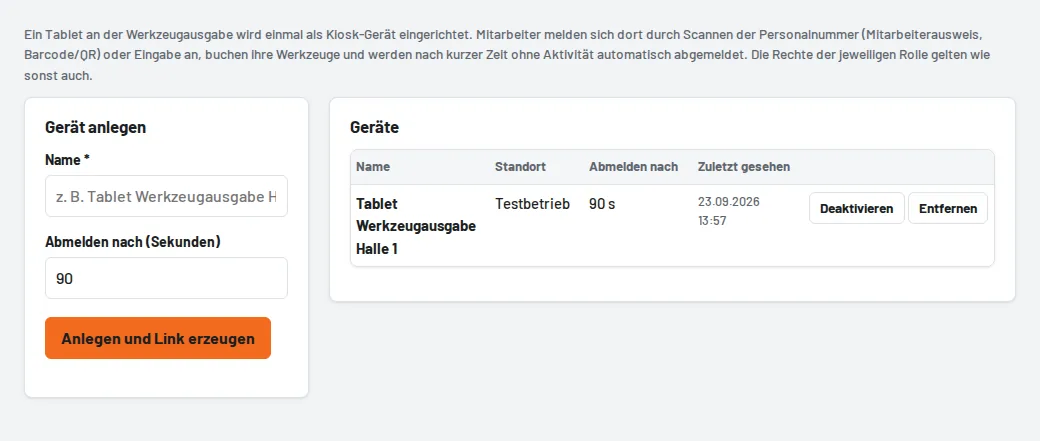
- Settings → Kiosk devices → Create device: name (e.g. "Tablet tool issue hall 1") and Sign out after in seconds of inactivity.
- Open the displayed one-time link on the tablet – it registers exactly this device and becomes invalid afterwards.
- Add the page to the home screen and keep the browser in full screen ("Kiosk"/"App pinning" on Android, "Guided Access" on the iPad).
Everyday use
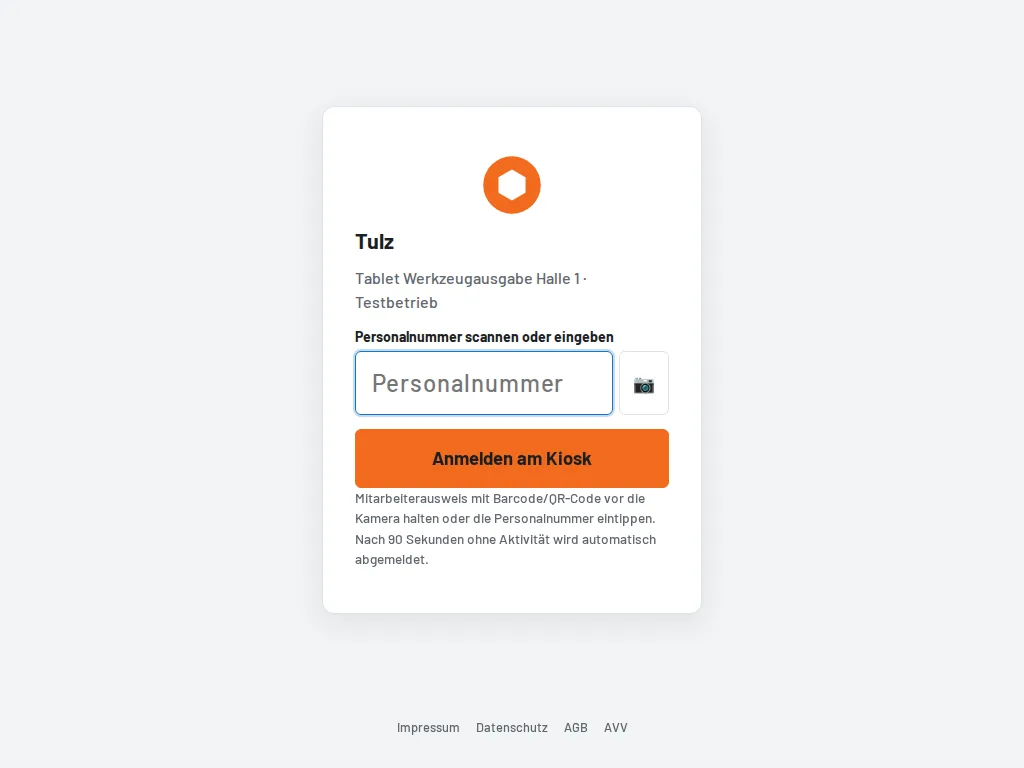
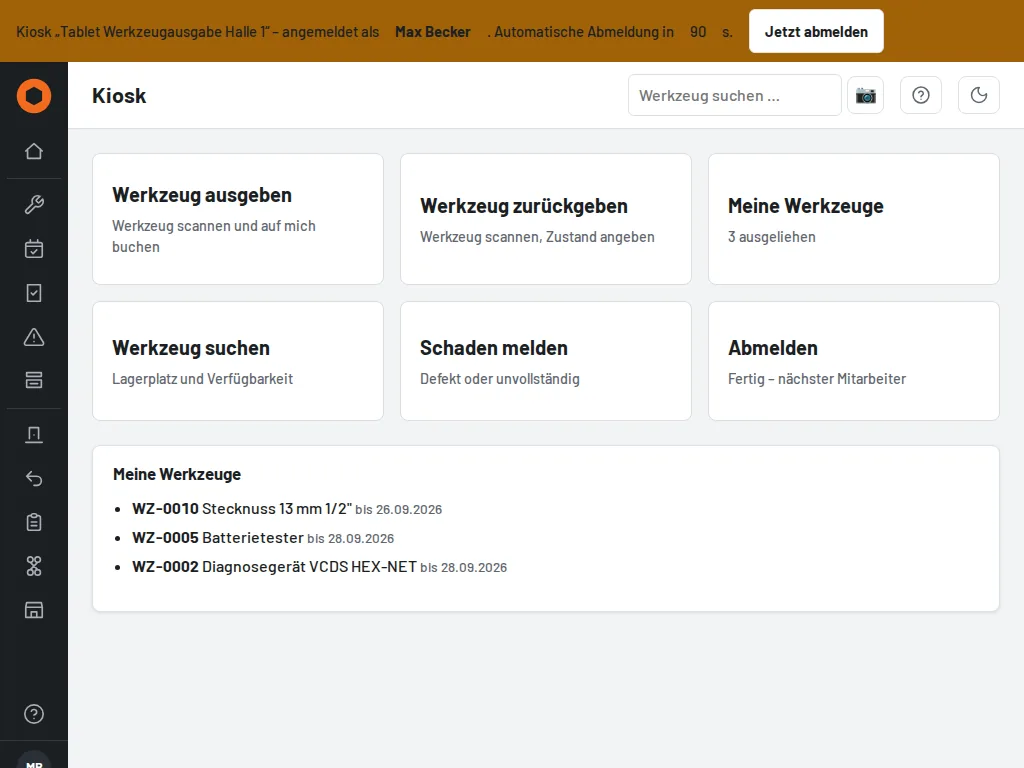
Employees hold their employee ID card (barcode/QR with the staff number) in front of the camera or type in their staff number. Large buttons are then available: issue tool, return, search, report damage, My tools. The role's permissions apply as usual. After the configured time without activity, Tulz signs out automatically; Sign out now does it immediately.
You remove a lost or replaced tablet under Kiosk devices – on its next visit it then only shows the sign-in page.